Best Resume Fonts in 2026 (ATS-Friendly, Ranked)
61% of hiring managers say design affects your chances. The fonts that work, ranked by industry, with sizing rules and ATS compatibility.
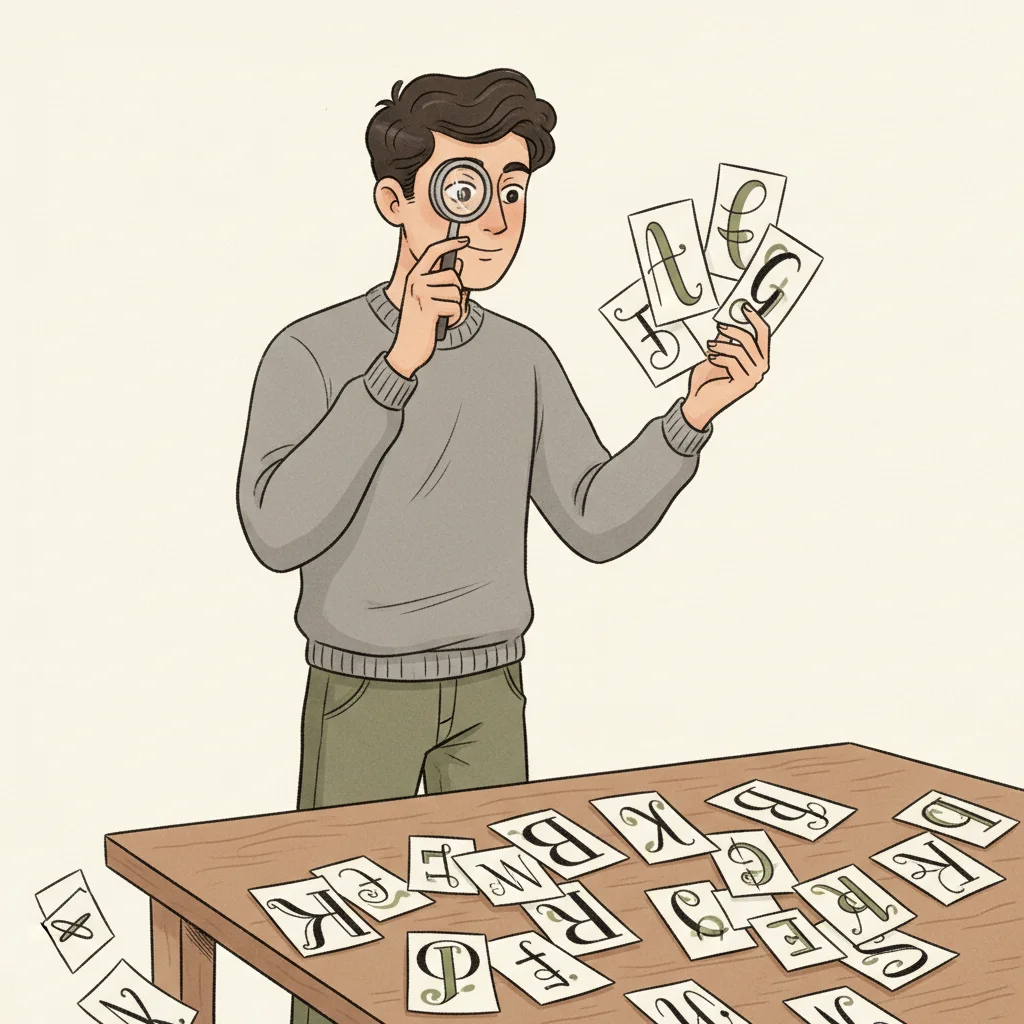
Your font choice is a design decision that 61% of hiring managers say directly affects whether you get considered for the job. That finding comes from a Creative Fabrica survey of 1,003 hiring managers conducted in September 2024 — and it gets more dramatic by generation: 81% of Gen Z hiring managers say a resume's design impacts their evaluation, compared with 53% of baby boomers. Meanwhile, the Ladders 2018 eye-tracking study confirmed that recruiters spend an average of 7.4 seconds on their initial resume scan, making visual clarity a non-negotiable requirement. The font you choose determines how easily a recruiter absorbs your qualifications in that window — and whether an ATS system can parse your text without errors. This guide ranks the fonts that hiring managers actually prefer, breaks down which fonts work for which industries, covers sizing and pairing rules, and identifies the typography mistakes that get resumes rejected before a human ever reads them.
The Typography Landscape: Key Numbers
of hiring managers say resume design affects your chances of getting the job
Creative Fabrica, 1,003 HMs, Sept 2024
average time recruiters spend on initial resume scan
Ladders Eye-Tracking Study, 2018
of Gen Z hiring managers say design impacts candidate evaluation
Creative Fabrica, Sept 2024
These numbers make a clear case: typography isn't cosmetic — it's functional. The font you choose determines readability during that 7.4-second scan, ATS parseability during the automated screening, and the unconscious impression your resume makes before a single word gets read. A clean, professional font signals competence; an unusual or decorative one signals risk.
Serif vs Sans-Serif: The Core Decision
Serif Fonts
TraditionalSerif fonts have small strokes (serifs) at the ends of letterforms. They convey tradition, authority, and formality. Best for law, finance, government, and academic roles where a conservative presentation signals cultural fit.
Sans-Serif Fonts
ModernSans-serif fonts lack the decorative strokes, creating a clean, modern appearance. They’re easier to read on screens and preferred by most ATS systems. Best for tech, startups, marketing, and any role where modernity and clarity matter.
Neither category is universally better. The right choice depends on your target industry, the company culture, and which format gives your specific content the most readability. When in doubt, sans-serif fonts are the safer default — they render more consistently across screens and parsing engines.
Top 5 Resume Fonts, Ranked
Calibri
Microsoft’s default since 2007. Clean, modern, universally available on every platform. Excellent ATS parseability. The safest choice if you’re applying across industries.
Arial
The most widely installed sans-serif font on the planet. High readability at small sizes. Consistent rendering across Windows, Mac, and web-based ATS platforms.
Garamond
The premium serif choice. Elegant without being ornate. Slightly narrower letterforms let you fit more content per line — useful for condensing a two-page resume.
Georgia
Designed specifically for screen readability. A serif font that’s as clear on a laptop monitor as it is on a printed page. Strong choice for hybrid digital/print applications.
Helvetica
The designer’s favorite. Clean, balanced, and used by companies from Apple to BMW. Signals design awareness without being flashy. May not be available on all Windows machines — use Arial as a fallback.
The best resume font is one the recruiter never consciously notices. If someone has to think about your typography, it's already working against you. Invisible design is the goal — your qualifications should do the talking, not your font choice.
Font Recommendations by Industry
Finance, Law & Government
Conservative environments where tradition signals credibility. Serif fonts convey the authority and reliability these industries expect. Avoid anything that looks “trendy.”
Use: Garamond, Cambria, GeorgiaTech, Startups & Engineering
Modern environments that value clarity and efficiency. Sans-serif fonts align with the clean, functional design ethos. Match the aesthetic of the companies you’re targeting.
Use: Calibri, Arial, HelveticaCreative, Design & Marketing
The one industry where your font choice can demonstrate competence. You have slightly more latitude here, but readability still comes first. A tasteful sans-serif with intentional spacing says more than a decorative font.
Use: Helvetica, Lato, MontserratHealthcare & Education
Clarity and professionalism matter above all. These fields deal with precise information — your resume should reflect that same commitment to clear communication.
Use: Calibri, Arial, CambriaFont Size & Pairing Rules
| Element | Recommended Size | Notes |
|---|---|---|
| Your name | 18–24pt | The largest element on the page. Use bold weight. |
| Section headings | 13–15pt | Bold or all-caps. Must be clearly distinct from body text. |
| Job titles | 11–12pt, bold | Slightly larger or bolder than body text. Visual anchor for each entry. |
| Body text | 10.5–12pt | Never go below 10pt. If you need more space, edit your content — don’t shrink the font. |
| Contact info | 10–11pt | Can be slightly smaller. Use a separator (pipe or bullet) between items. |
A strong resume uses one font family throughout (one for headings, one for body is also acceptable if they complement each other). Calibri for headings with Georgia for body text works well. Avoid mixing more than two fonts — it creates visual noise that competes with your content.
6 Font Mistakes That Get Resumes Rejected
1. Using decorative or script fonts
Fonts like Papyrus, Comic Sans, or Brush Script signal a lack of professional awareness. ATS systems may also fail to parse unusual character sets, causing your resume to be rejected before a human ever sees it.
2. Going below 10pt body text
Small text forces recruiters to squint — and in a 7.4-second scan, they won’t bother. It also signals that you couldn’t edit your content to fit the page, which raises questions about your communication skills.
3. Using more than two font families
Mixing three or more fonts creates visual chaos. It makes your resume look like a ransom note rather than a professional document. Stick to one family, or at most a heading + body pair.
4. Embedding non-standard fonts in PDFs
If a font isn’t embedded properly in your PDF, the recipient’s system substitutes a fallback — which can destroy your carefully designed layout. Always verify your PDF renders correctly on a different device.
5. Using light or thin font weights
Ultra-light weights look elegant on a high-resolution design portfolio, but they become illegible on a standard office printer or a recruiter’s laptop screen at 80% zoom. Regular or medium weight is the minimum for body text.
6. Ignoring font rendering across platforms
A font that looks perfect on your Mac may render differently on a Windows machine — where most recruiters work. Test your resume on both platforms, or stick to universally available fonts like Calibri and Arial.
Our AI tailoring tool reads the job description and rewrites your resume to match the employer's language and priorities, using only your real experience with zero fabrication. Resume Studio includes 55+ ATS-tested templates with pre-configured font pairings and sizing across 6 layout types — every template uses professional, ATS-compatible typography so you never have to guess. The ATS score checker validates keyword alignment with a 0–100 match score before you submit.
Font Selection Checklist
Before You Submit Your Resume
Sources & References
Ready to stop sending the same resume everywhere? Get New Resume uses AI to tailor your real experience to any job description — with full change tracking so you always know what was adjusted and why. No fabrication. Just translation.
More articles
Functional Resume: When It Works and What to Do Instead
Functional resumes hurt more than they help. ATS parsing issues, recruiter red flags, and the combination format that works for career changers.
Resume Summary Examples by Career Level (2026)
Resume summary examples for entry-level, mid-career, senior, and career changers. What to write, what to skip, and how ATS systems evaluate your summary.
Resume With No Experience: How to Land Your First Job
Build a compelling resume with no work experience using skills, projects, volunteer work, and coursework employers care about.
Want to go deeper?
Browse all articles